
Selling online courses on CTAS Course: opening a store, costs and course pages that sell
5 min read
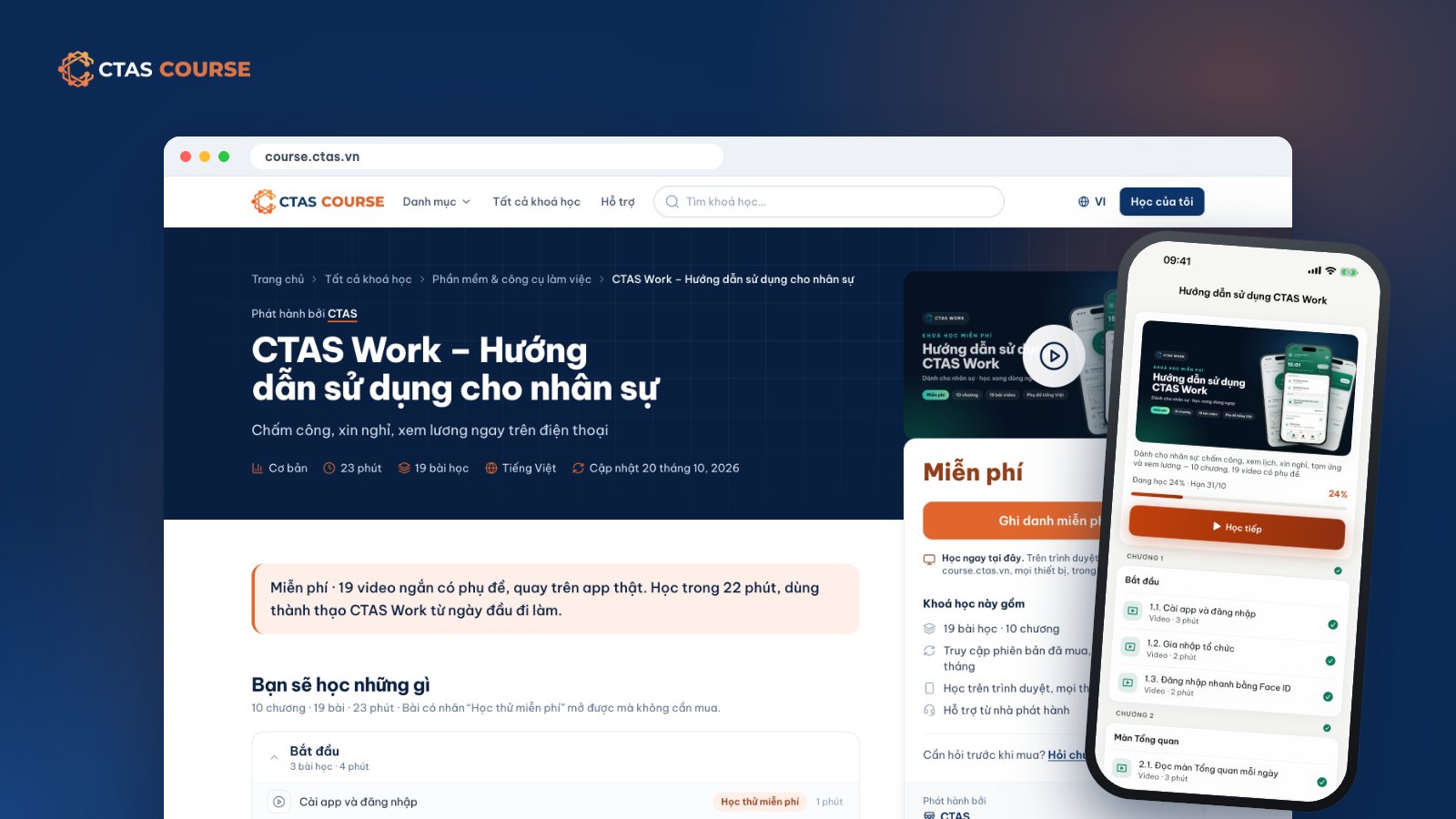
Your business or training center has real expertise — beverages, store operations, sales, accounting, HR — and has taught many classes in person. The natural next step is to package that knowledge into an online course and sell it. But building a website, payments, video streaming and certificates yourself is a project in its own right. This guide explains how to sell online courses on the CTAS Course marketplace: opening a store, what it costs, how review works and how to write a course page that helps buyers decide.
Selling on CTAS Course vs. selling on your own
On course.ctas.vn you get a store — a page under your organization’s name — on a marketplace focused on courses for working people. The platform handles the technical side:
- Course building in CTAS Studio: slides, captioned video, PDFs, quizzes.
- One-time payment by QR bank transfer through PayOS.
- Video streaming; learners study in the browser or the CTAS Learn app.
- Numbered certificates of completion in your store’s name.
- Businesses can buy multiple seats of your course for their staff.
Open a store in 4 steps
- Register. An organization admin applies under CTAS Studio › Store.
- Sign the store contract. Once your organization is business-verified, CTAS sends an electronic contract to review and sign online; it states your marketplace fee rate.
- Buy the annual store plan — 1,990,000 VND/year, in CTAS Business.
- Publish to the marketplace. When packaging a course in CTAS Studio, choose the “CTAS Course marketplace” channel. CTAS reviews it, and once approved it appears on course.ctas.vn.
Note: in this first phase, stores are businesses or organizations legally established in Vietnam with a tax code; individuals and household businesses are not yet accepted. New to Studio? Read How to create an online course with CTAS Studio.
What selling costs
| Item | How it works |
|---|---|
| Store plan | 1,990,000 VND/year |
| Marketplace fee | A percentage CTAS keeps on each order, set in the contract. Reference rate 20%, including payment gateway and video delivery costs. |
| Listing fee | None — list as many courses as you like at no listing cost. |
The marketplace fee already covers payment processing and video delivery — two costs that are hard to predict when selling alone. The rate that applies to you is the one in your store contract.
How CTAS reviews courses
Every marketplace course is reviewed so buyers can trust that the page matches what is inside. Before submitting, check that:
- The title and description say exactly what learners get, without overpromising.
- The outline matches the real lessons.
- The intro video and preview lessons work.
- Your store details are complete.
Seller rules are in the CTAS Course operating rules.
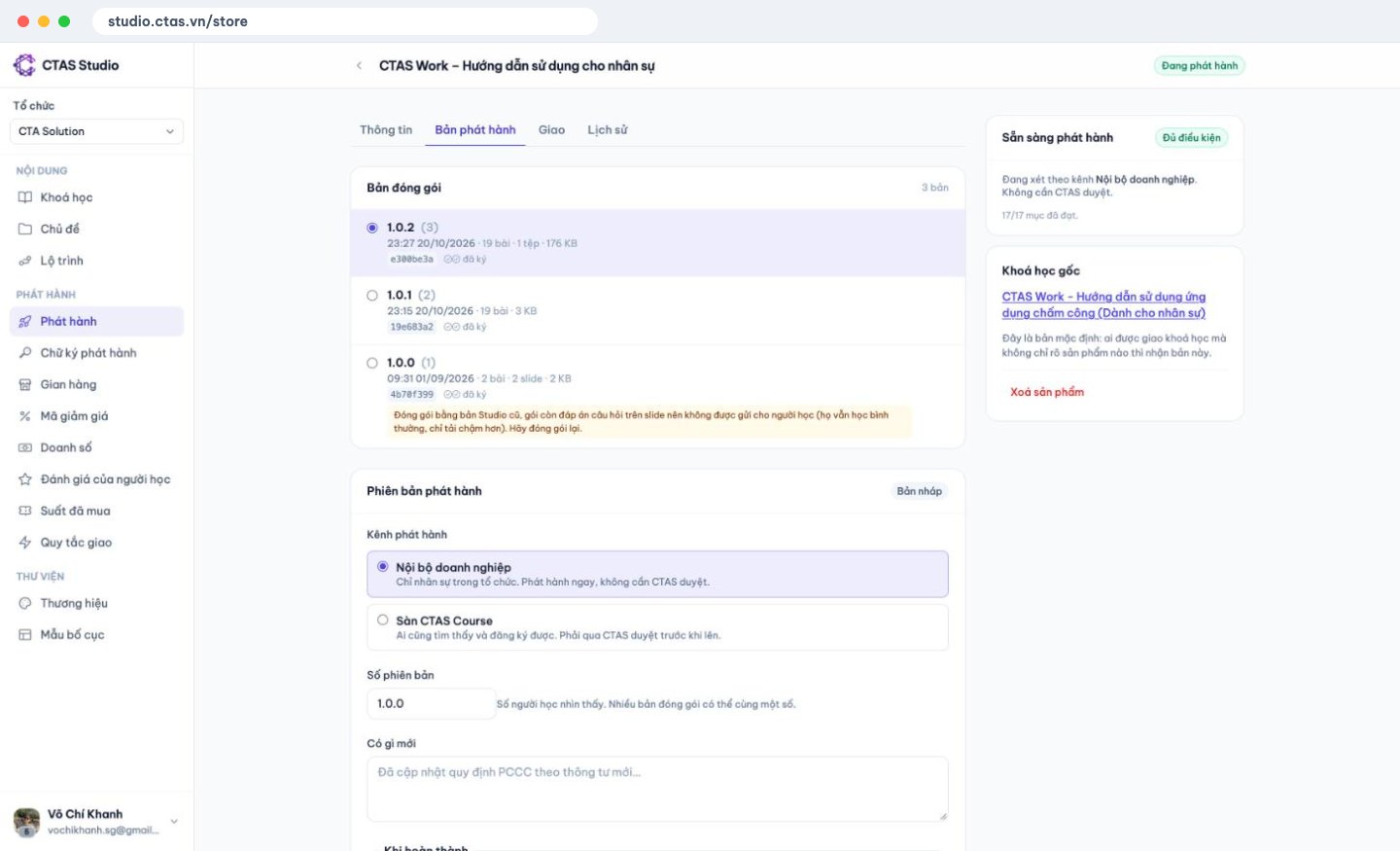
After listing: sales, discount codes, reviews
- See Sales per course.
- Create discount codes for campaigns, past learners or partners.
- Read and reply to reviews.
Revenue is reconciled monthly and CTAS pays it to your store’s account. One course can also be sold as several products with different prices and audiences.
Write a course page that helps buyers decide
Courses are digital content delivered right after payment, so orders are not refundable once paid, except for the payment errors listed in the CTAS Course payment policy. That puts the weight on your course page: buyers need enough to decide correctly up front.
Pick a preview lesson with real value
Not a generic welcome — choose a lesson that shows how you teach and gives a small, usable result.
A short intro video that says who it is for
In a minute or two: who the course is for, what they will be able to do, and who it is not for.
A clear 16:9 cover
Course covers use a 16:9 frame. Keep the topic obvious and the text minimal so it reads at thumbnail size.
A detailed outline and honest duration
Name lessons by outcome (“Dialing in the grinder for espresso”), not “Lesson 3”, and state duration and level accurately.
Open your store
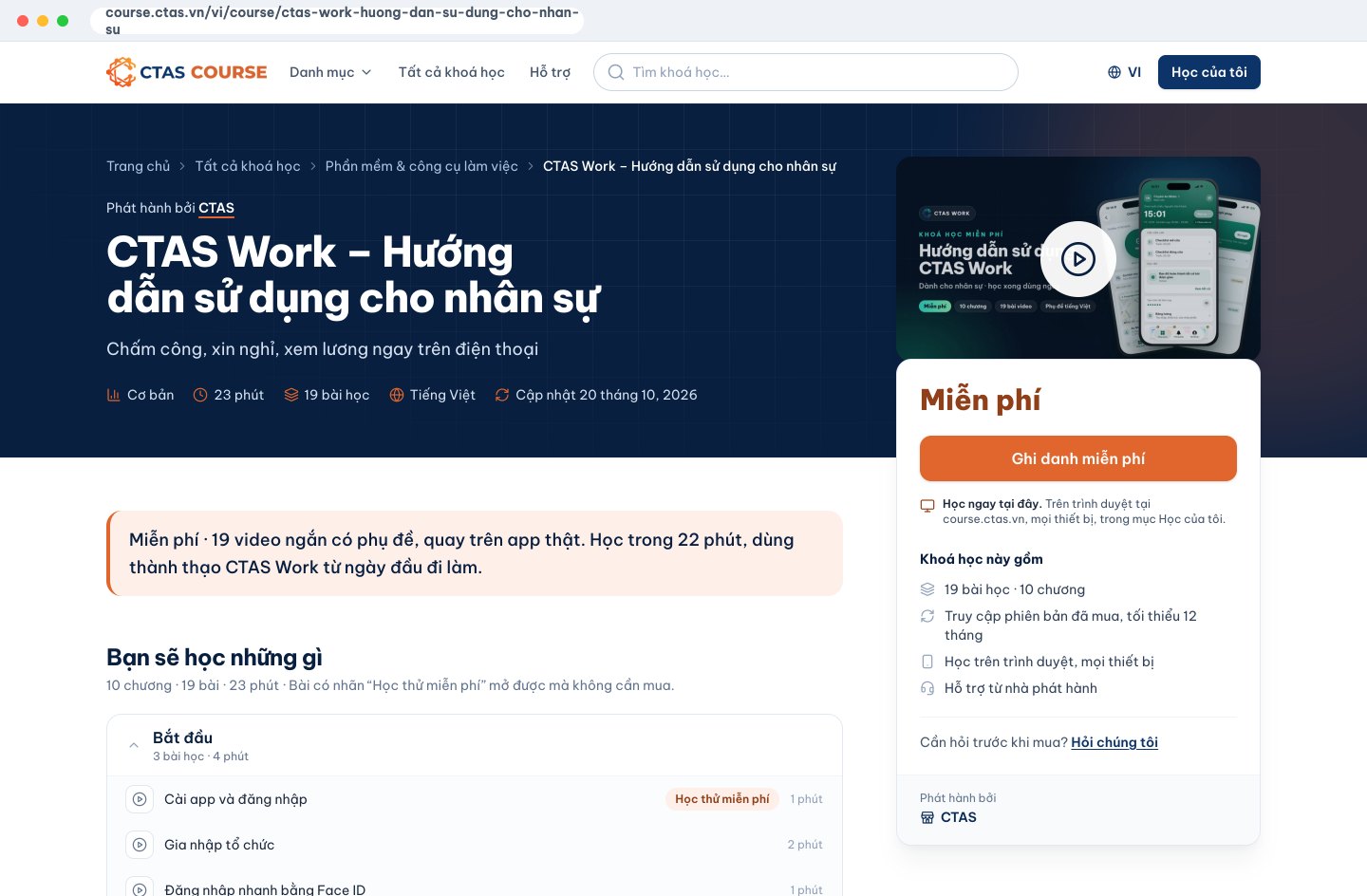
Build a first course in CTAS Studio, then register your store. See how stores present courses on course.ctas.vn, read the CTAS Course terms of use, and learn more at ctas.vn/en/course.
Related articles
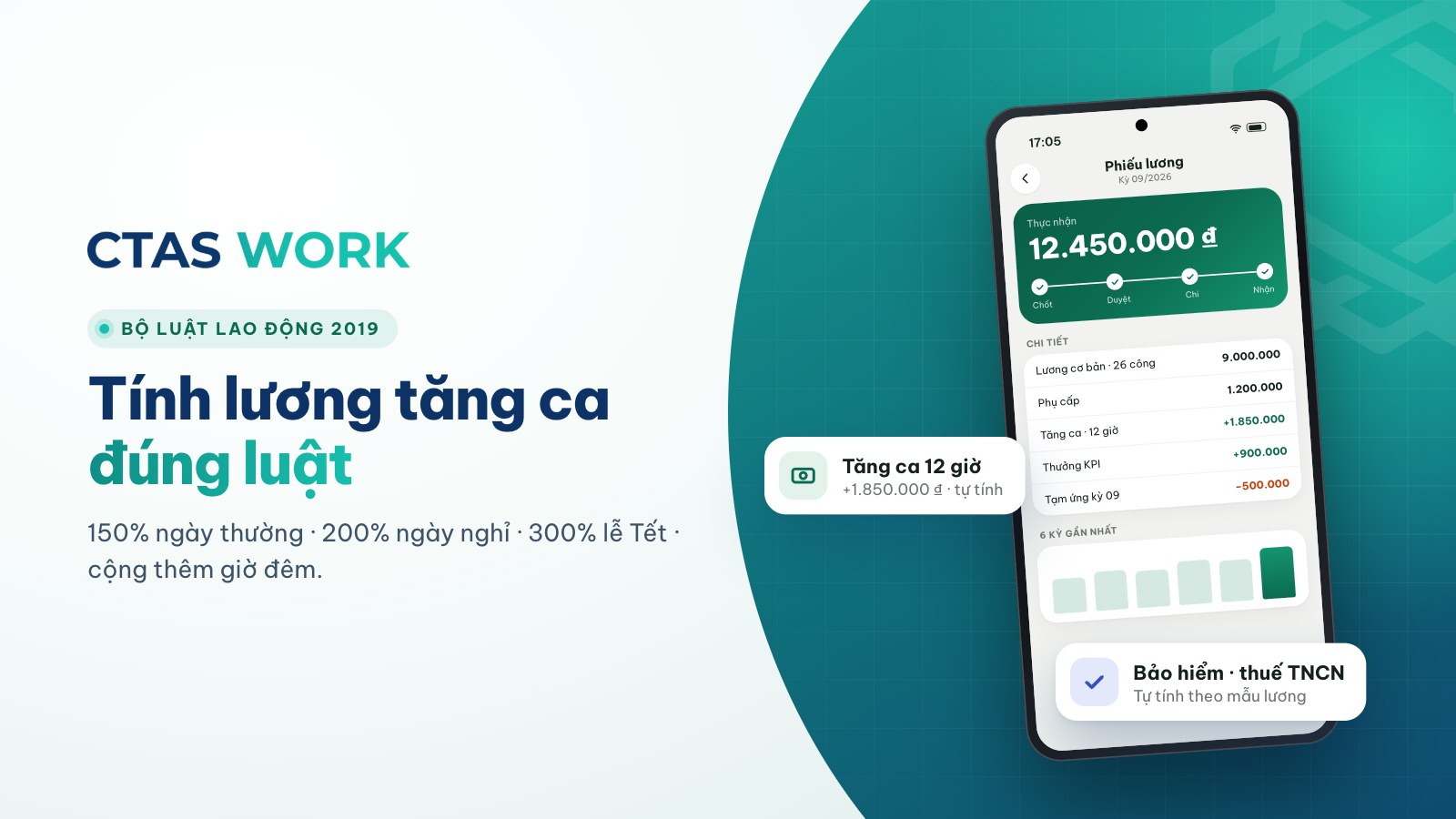
Overtime pay under Vietnam's 2019 Labour Code, with a worked example
150% on weekdays, 200% on days off, 300% on holidays, plus 30% and 20% at night — each rate explained and calculated for a barista.
4 min read
How to calculate annual leave: 12 days, part-year staff and seniority
Days per year, new starters, one extra day every 5 years, unused leave when someone leaves — plus three common shop situations.
4 min read
Can you dock pay for lateness? Paying for time worked vs. fining
The law bans fines and pay cuts as discipline. Is “15 minutes late, 50,000 VND off” wrong? How to handle lateness legally.
4 min read