
Online onboarding for new employees: a step-by-step guide for stores and F&B chains
6 min read
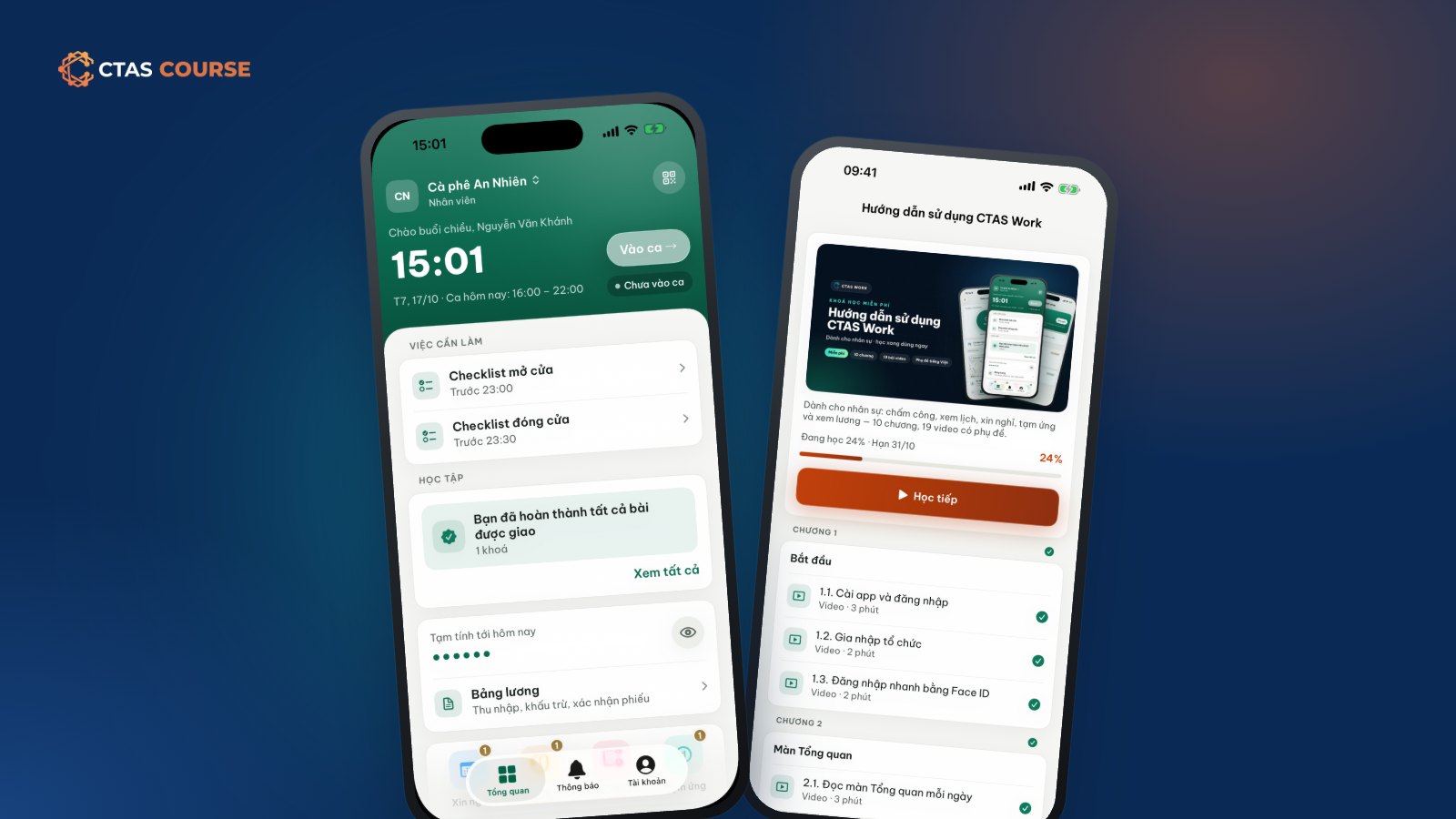
In a café or retail store, a new hire’s first week usually looks the same: the manager squeezes in a few explanations between rushes — the machine, the drinks, the till — and the newcomer picks up the rest by watching colleagues. Everyone teaches it their own way. Three months later someone quits, you hire again, and it all starts over. This guide walks through building a new-employee onboarding program as an online course, so the repeated teaching is done once and managers spend their time on the coaching that really needs a person.
Step 1 – Pick the right content for week one
The most common mistake is cramming everything in. New hires only need what lets them work their first shift without mistakes. Sit down with a shift manager and answer: “What must a new person be able to do on day one?” For an F&B store that usually means:
- Opening and closing routines: machines on, stock check, counter cleaning.
- Basic food hygiene and workplace safety.
- Recipes for the 5–10 best sellers, not the whole menu.
- Greeting guests, taking orders and handling complaints.
- Cash handling and shift handover rules.
- Using the work app: clocking in, checking shifts, requesting leave.
Everything else waits for week two or a separate course.
Step 2 – Split the course into small chapters
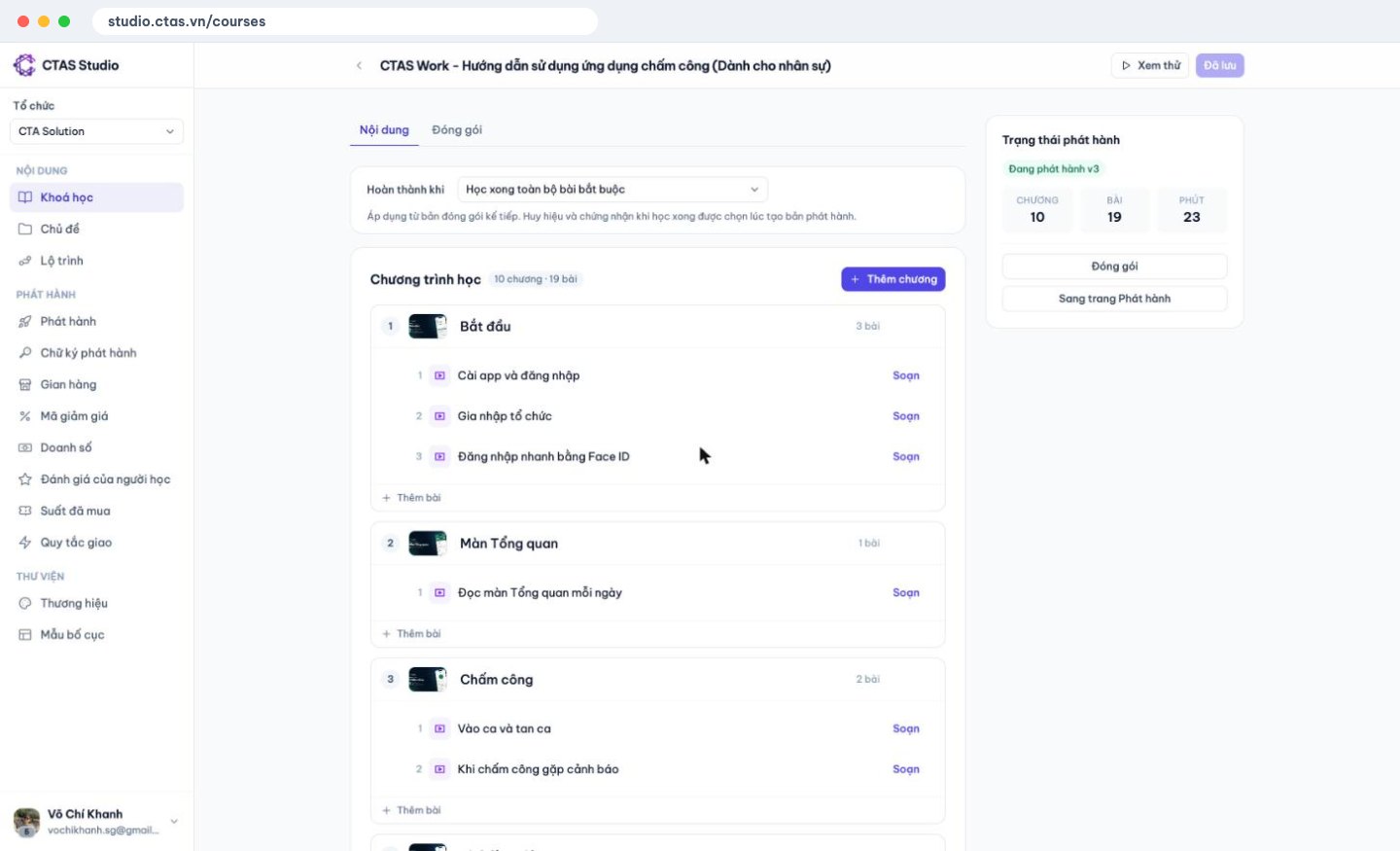
In CTAS Studio a course is made of chapters, each with lessons. For a store, follow the order a newcomer meets things on shift: “Before opening”, “Serving guests”, “Core drinks”, “Closing”. Each lesson teaches one task — “Iced milk coffee” is one lesson, “Cleaning the grinder” another. Short lessons fit into breaks and are easy to look up later. Microlearning for shift workers explains why.
Step 3 – Film short phone videos and reuse what you have
No studio needed. A phone on a stand, decent light and a view from behind the counter covers most hands-on lessons:
- Keep each video to 1–2 minutes, one task start to finish.
- Say the key numbers out loud: amounts, temperatures, times.
- Add captions (.vtt) when uploading to CTAS Studio so staff can follow in a noisy store.
Already have a PDF handbook? CTAS Studio can import a PDF as slides, one page per slide, and you can attach the original PDF too. See How to create an online course with CTAS Studio.
Step 4 – Add a quiz at the end of each chapter
Watching is not remembering. A 5–10 question quiz per chapter shows how much stuck. If your questions are already in a spreadsheet, import them from Excel/JSON. When setting up the quiz:
- Set a pass mark.
- Add a time limit if useful.
- Lock the next chapter until the previous quiz is passed, so nobody skims to the end.
Step 5 – Publish internally and assign through CTAS Work
Package the course and publish to the Internal channel: live immediately, no CTAS review, visible only inside your organization.
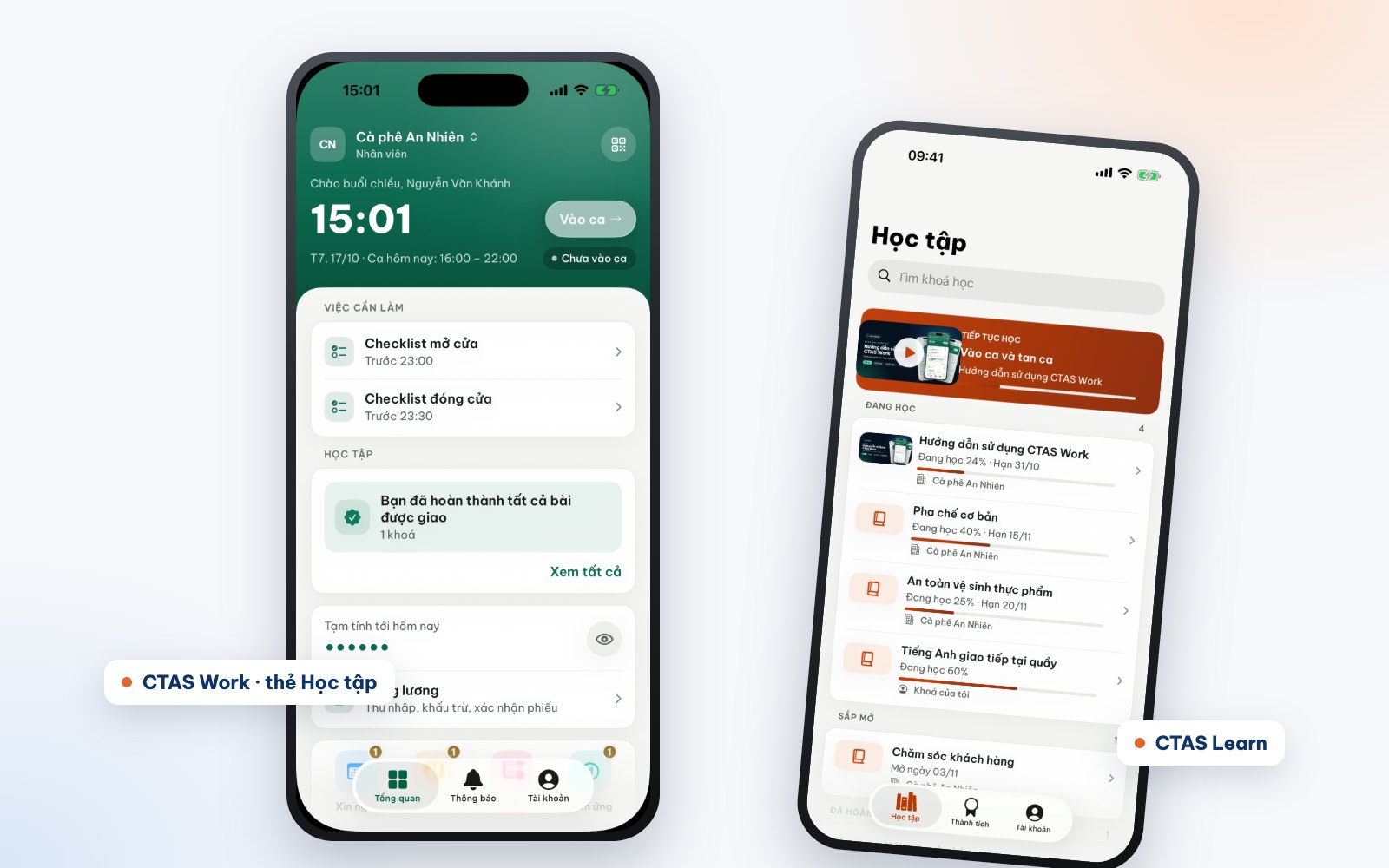
If you run CTAS Work, assign the course by person, by department (say, “Bar”), or with automatic assignment rules so you don’t assign by hand each time. Set a due date, such as the first 7 days. Staff learn in the CTAS Work Learning tab — the app they already use to clock in — or in CTAS Learn. Note: assigning courses to CTAS Work staff requires the Network feature, available on the Growth plan and above.
Step 6 – Track progress and coach where it matters
The progress report shows who finished, who is halfway and who has not passed a quiz yet. Coach with focus: if someone failed the drinks quiz, spend a session at the bar with them instead of re-teaching everyone. Online onboarding does not replace a mentor, but it makes each coaching session shorter and more targeted.
After a few hiring rounds, review the course, fix what people keep getting wrong and publish a new release — learners mid-course keep their own version.
Move faster with ready-made content
- The free course CTAS Work – User guide for staff (10 chapters, 19 short videos, about 22 minutes) teaches clocking in, shifts and leave requests.
- Buy seats of marketplace courses in New-hire onboarding, F&B & beverages or Workplace safety & hygiene and assign them to staff.
Your own recipes, service style and house rules are what you really need to write yourself.
Start with one chapter
Don’t wait for a finished course. Make “Before opening” with three short videos and a quiz, assign it to next week’s hire and grow from there. Learn more at ctas.vn/en/course or browse onboarding courses on course.ctas.vn.
Related articles
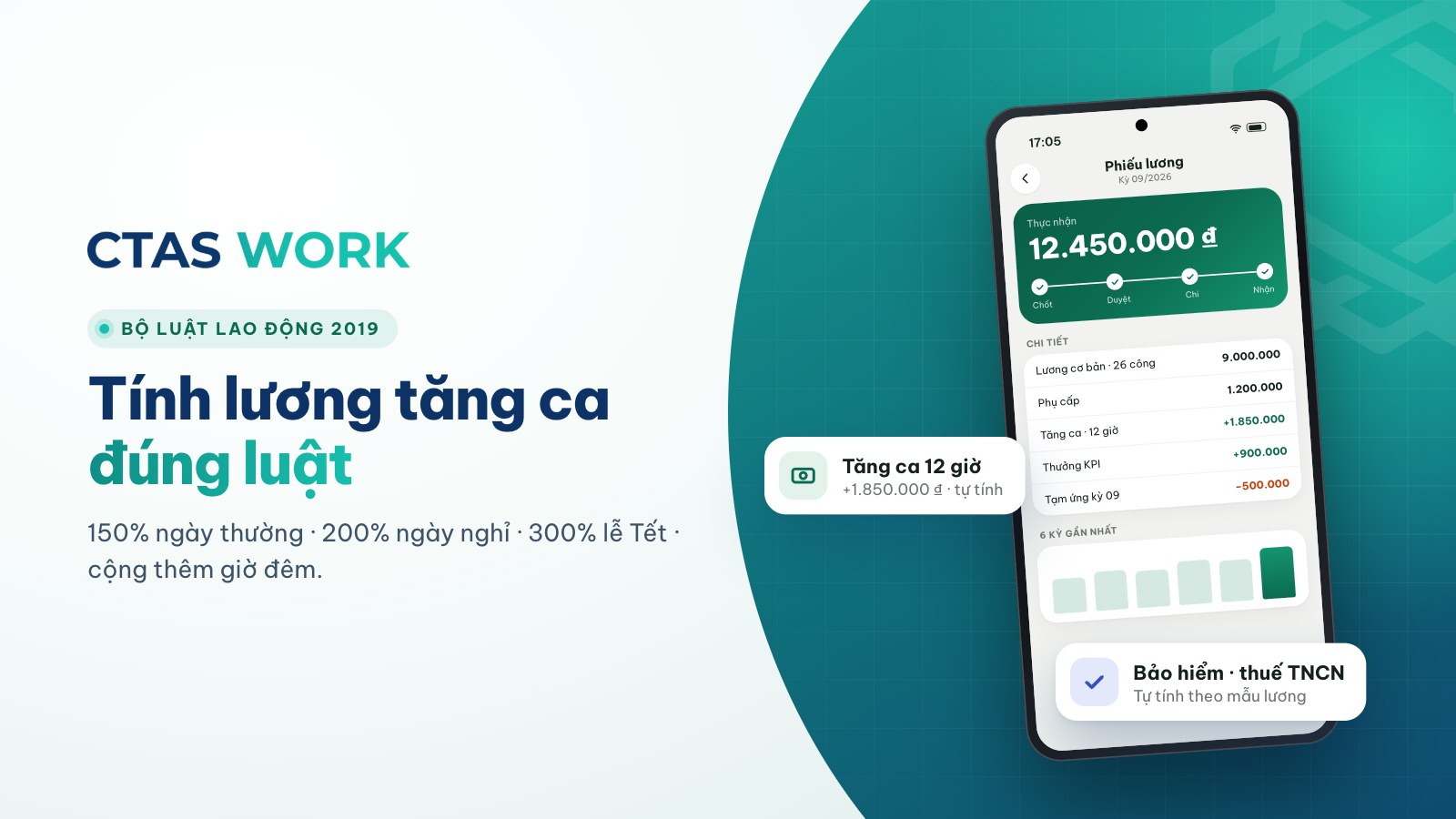
Overtime pay under Vietnam's 2019 Labour Code, with a worked example
150% on weekdays, 200% on days off, 300% on holidays, plus 30% and 20% at night — each rate explained and calculated for a barista.
4 min read
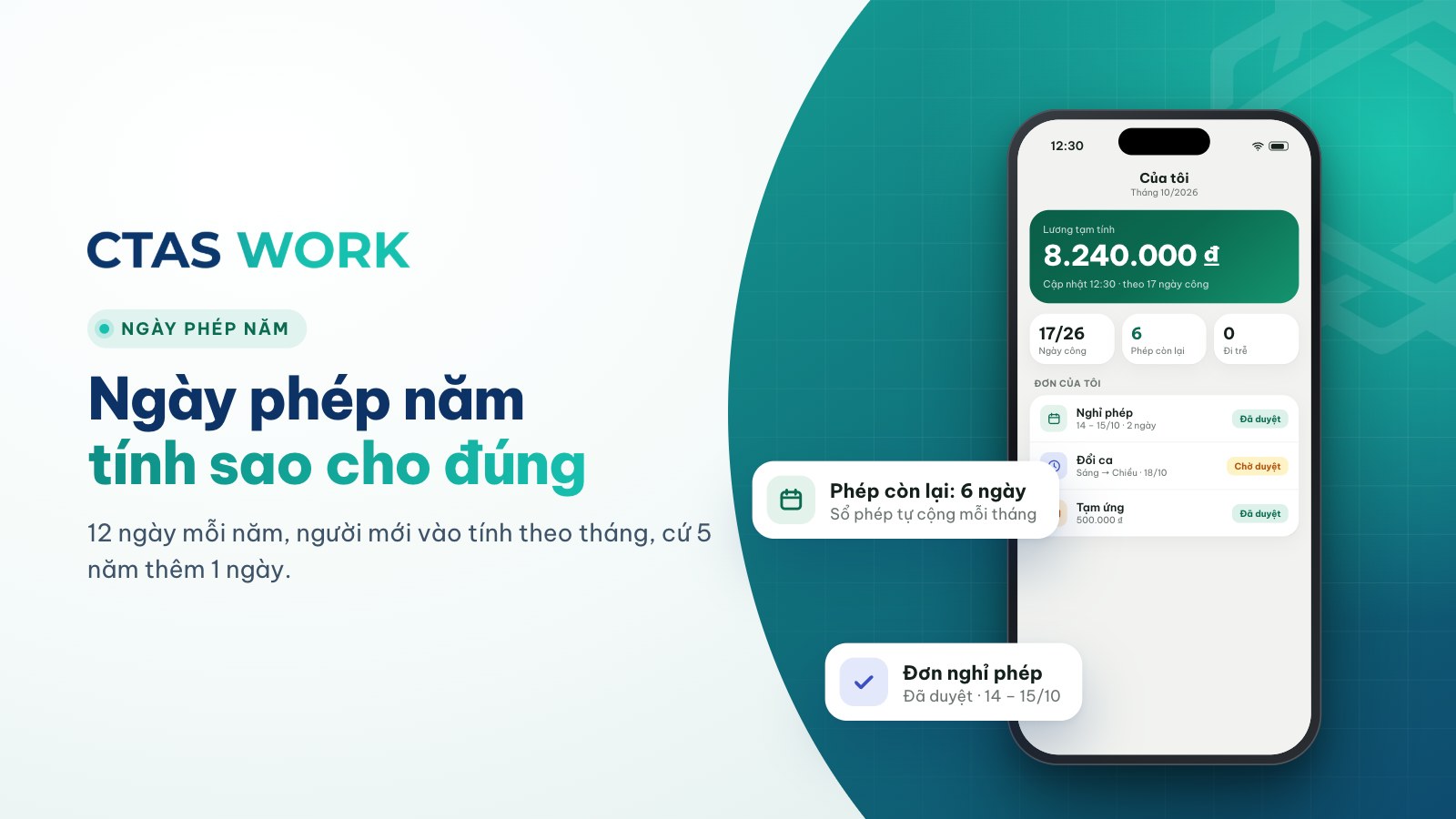
How to calculate annual leave: 12 days, part-year staff and seniority
Days per year, new starters, one extra day every 5 years, unused leave when someone leaves — plus three common shop situations.
4 min read
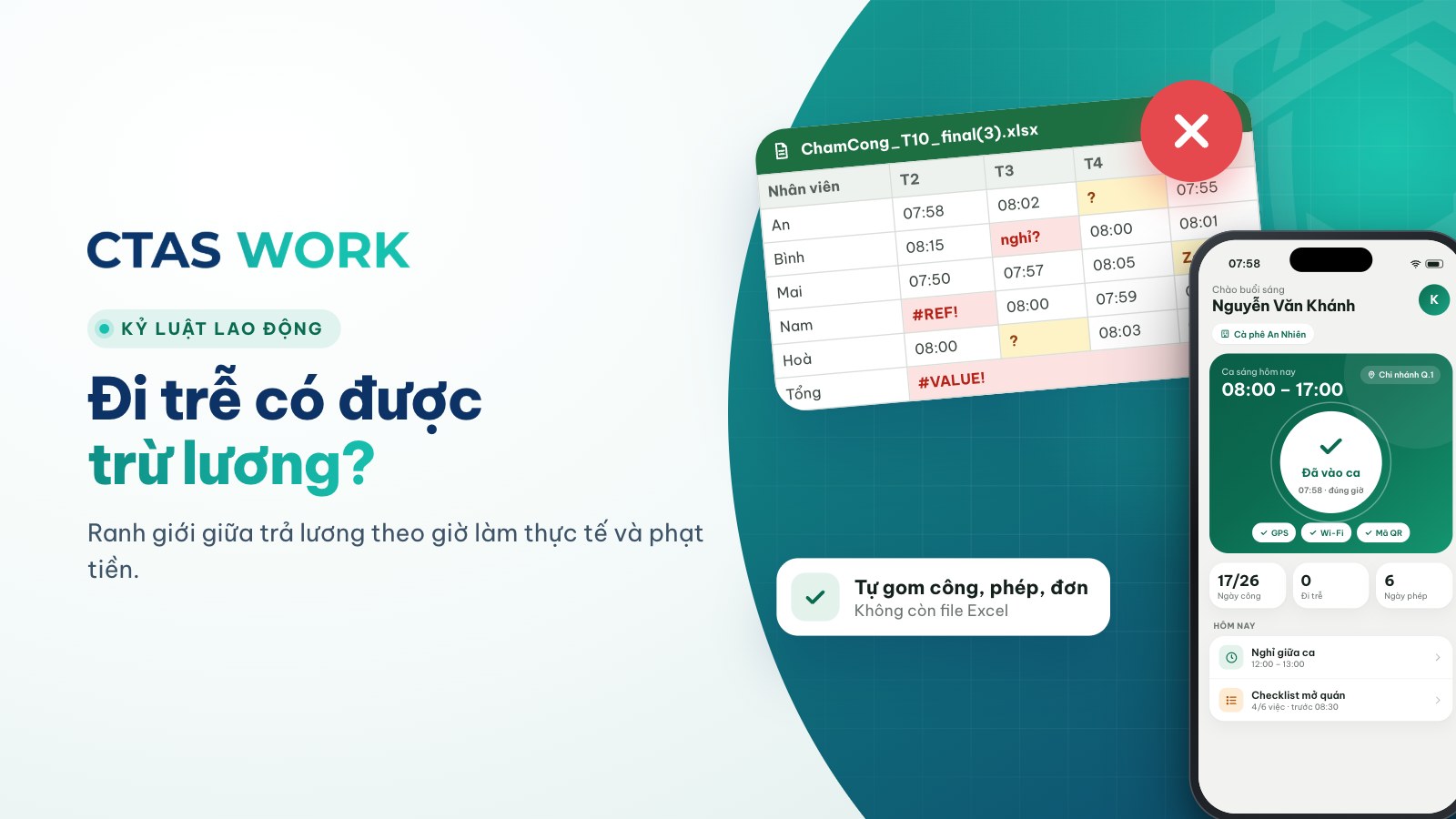
Can you dock pay for lateness? Paying for time worked vs. fining
The law bans fines and pay cuts as discipline. Is “15 minutes late, 50,000 VND off” wrong? How to handle lateness legally.
4 min read