
Never miss your parents’ lunar birthdays and family dates with the Lunar Calendar
4 min read
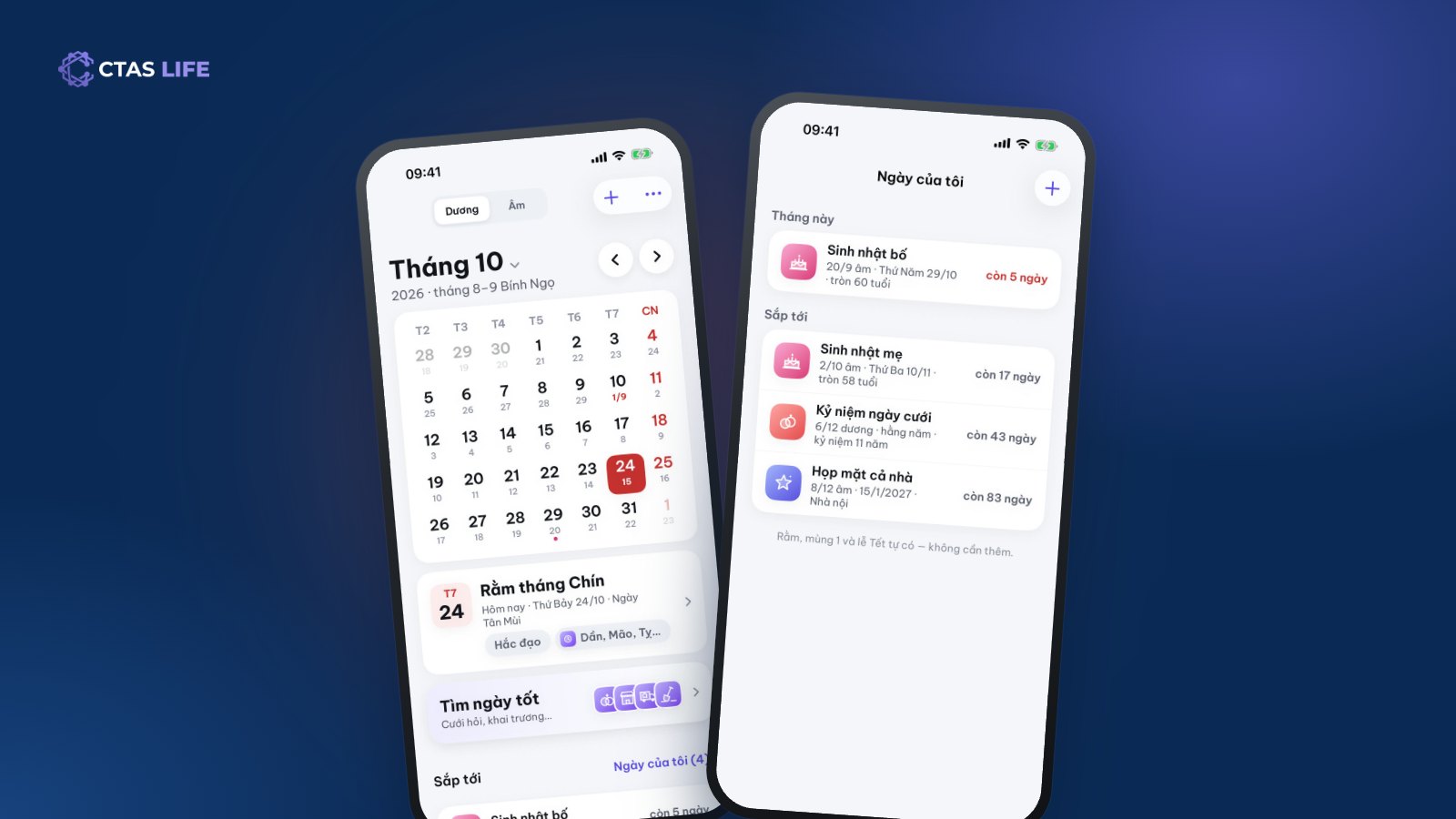
Many Vietnamese families still celebrate grandparents’ and parents’ birthdays by the lunar calendar. The catch is that a lunar date lands on a different solar date every year: this year the 2nd day of the tenth lunar month falls in mid-November, next year it moves. Phone reminders follow the solar calendar, so they are no help, and plenty of people only remember when the family calls to ask "are you coming home for dinner tomorrow?". Here is how to save a date once and be reminded on the right day for good, with the Lunar Calendar in CTAS Life.
What the Lunar Calendar does
- A lunisolar month view: each day shows the solar date large and the lunar date small beneath it, with full moons, first days and holidays marked.
- Day details: the day’s stem-and-branch name, whether it is auspicious, and the good hours.
- My dates: lunar birthdays, wedding days, anniversaries, get-togethers — saved once, reminded forever.
- A family date book the whole family shares.
- A good-day finder for weddings, openings and moving house.
- Widgets for today, the moon phase and upcoming dates on the home and lock screens.
The calendar follows Vietnam time (UTC+7) and the traditional Vietnamese way of computing lunar dates, so full moons, first days and leap months match a wall calendar.
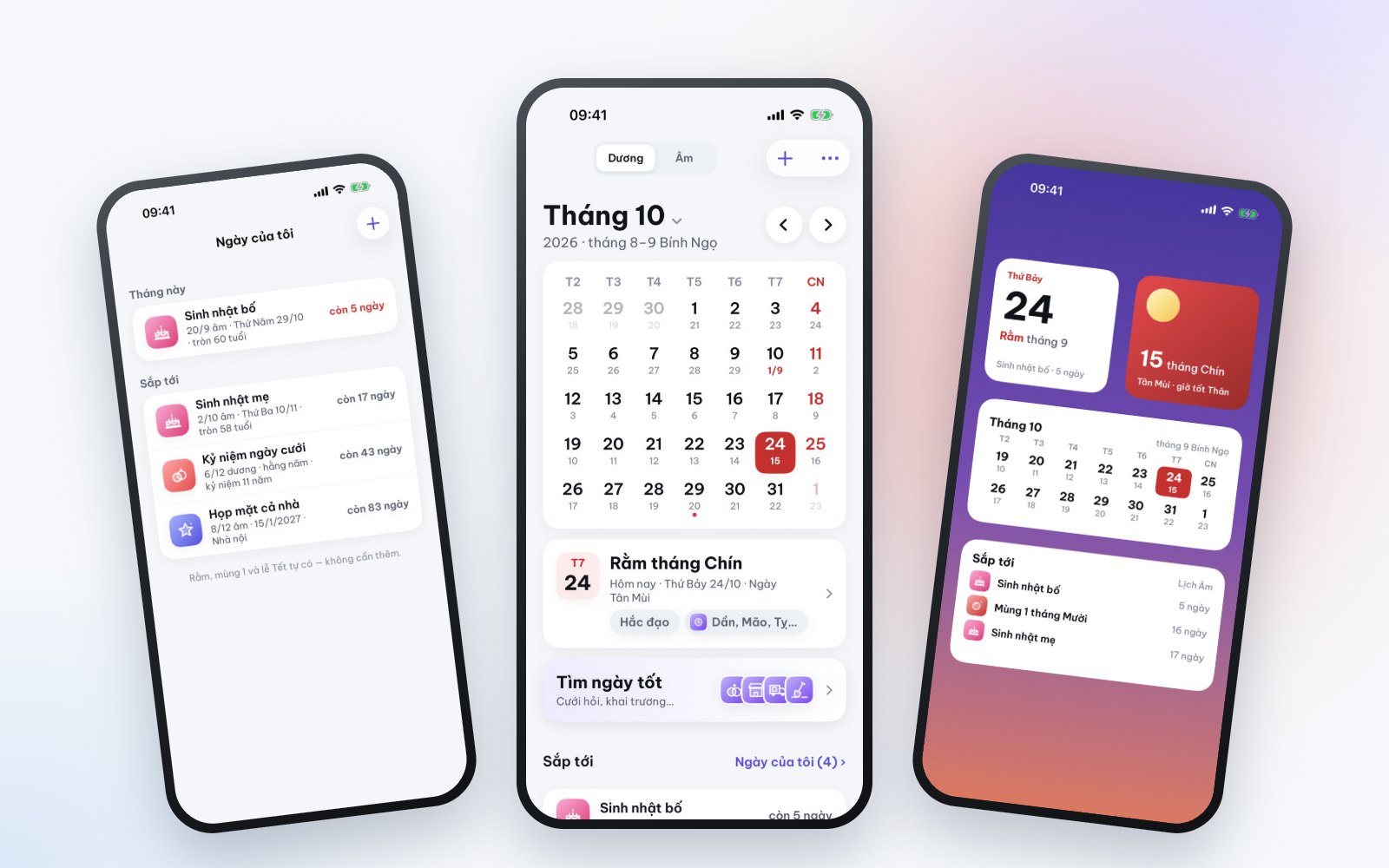
Save your parents’ lunar birthdays in a minute
- Open CTAS Life › Lunar Calendar › the + button.
- Give it a name, for example "Dad’s birthday".
- Choose Lunar and enter the lunar day and month (say the 20th of the 9th month). Add the birth year if you know it and the app shows "turns 60".
- Repeat every year, and choose how many days ahead you want a reminder.
From then on CTAS Life works out the matching solar date each year and reminds you. The My dates list always shows how many days are left until each occasion, such as "Mum’s birthday – in 17 days".
Special cases, already handled
- The 30th lunar day in a year when that month has only 29 days: the app moves it to the 29th.
- Leap months: a date that began in a leap month is reminded in the leap month in years that have the same leap month, and in the regular month otherwise.
- Solar dates like a wedding on 6 December: choose Solar when saving and it is reminded on that day every year.
Which reminder so you never miss it?
Every saved date can remind you with a normal notification or an alarm that rings on time like an alarm clock — for occasions you absolutely do not want to forget. If you live in your phone’s Calendar app, flip the switch and CTAS Life adds the dates to a separate calendar called "CTAS Life".
Share a date book with the family
The family date book fixes the "everyone remembers a bit" problem. Create a book and send the invite code to your siblings and parents; anyone can add dates, and when one person adds "Family get-together, 8th of the 12th lunar month", everyone in the book is reminded. It is ideal for grandparents’ birthdays, the wedding days of every couple in the family and the reunions that bring everyone home.
Chipping in for a longevity party or a get-together? Create a TriTri group so everyone can add to the fund and see the spending clearly.
Find a good day for a wedding or a move
The good-day finder suggests upcoming good days for what you choose — a wedding, an opening, moving house. The free version allows 1 search a day; Premium has no limit. It is guidance from the traditional calendar; the final choice is always your family’s.
Get CTAS Life and save your first date
The Lunar Calendar is part of CTAS Life, free on the App Store and Google Play. On your phone? Tap get CTAS Life and save your parents’ lunar birthdays right away. The other tools are on the CTAS Life page.
Related articles
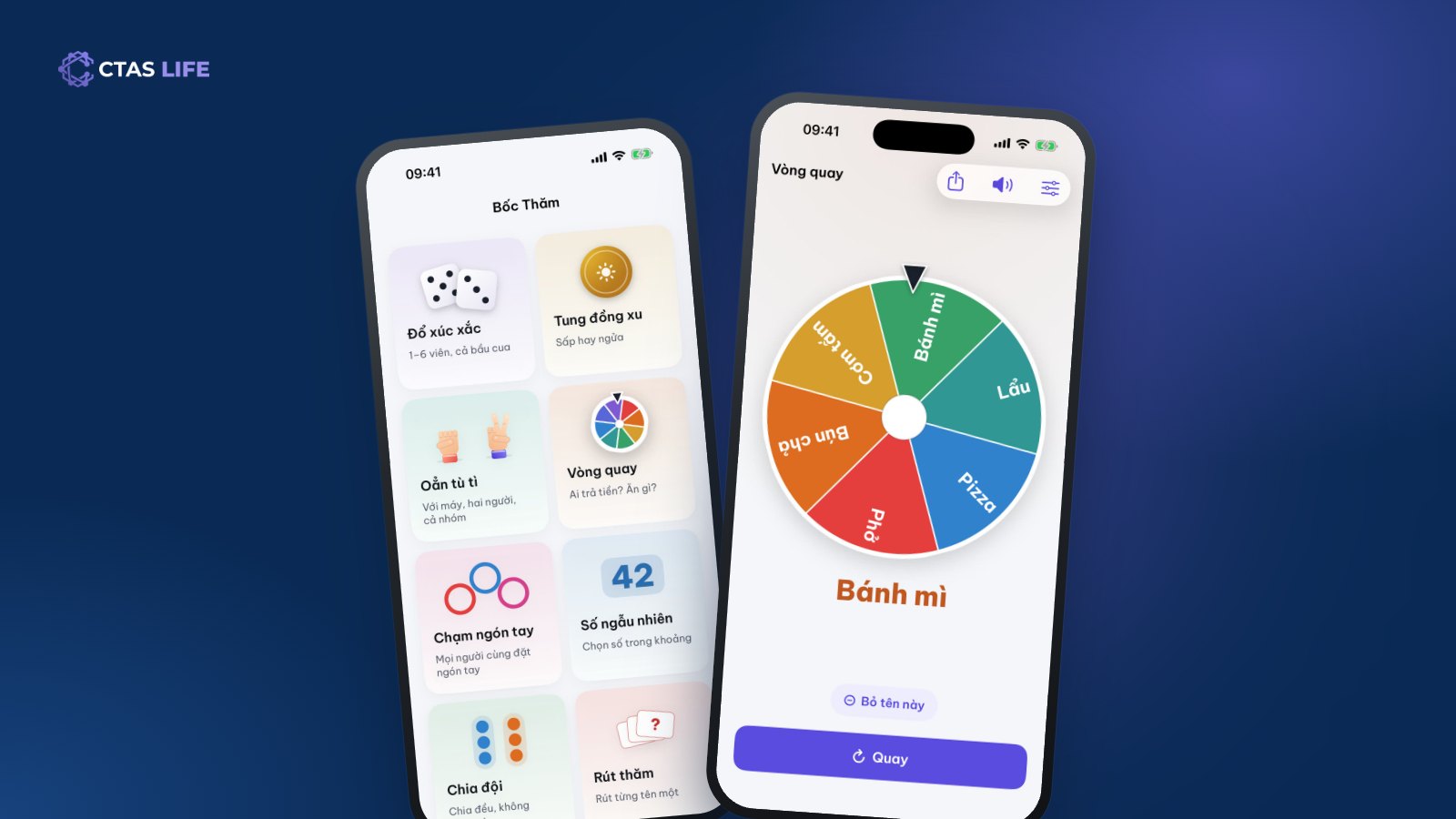
Split teams or pick who pays: 8 ways to decide at random as a group
Football needs two teams, nobody can pick a restaurant, nobody wants the dishes. The eight lucky draws in CTAS Life — wheel, dice, coin, finger pick, team split — and which one fits when.
3 min read
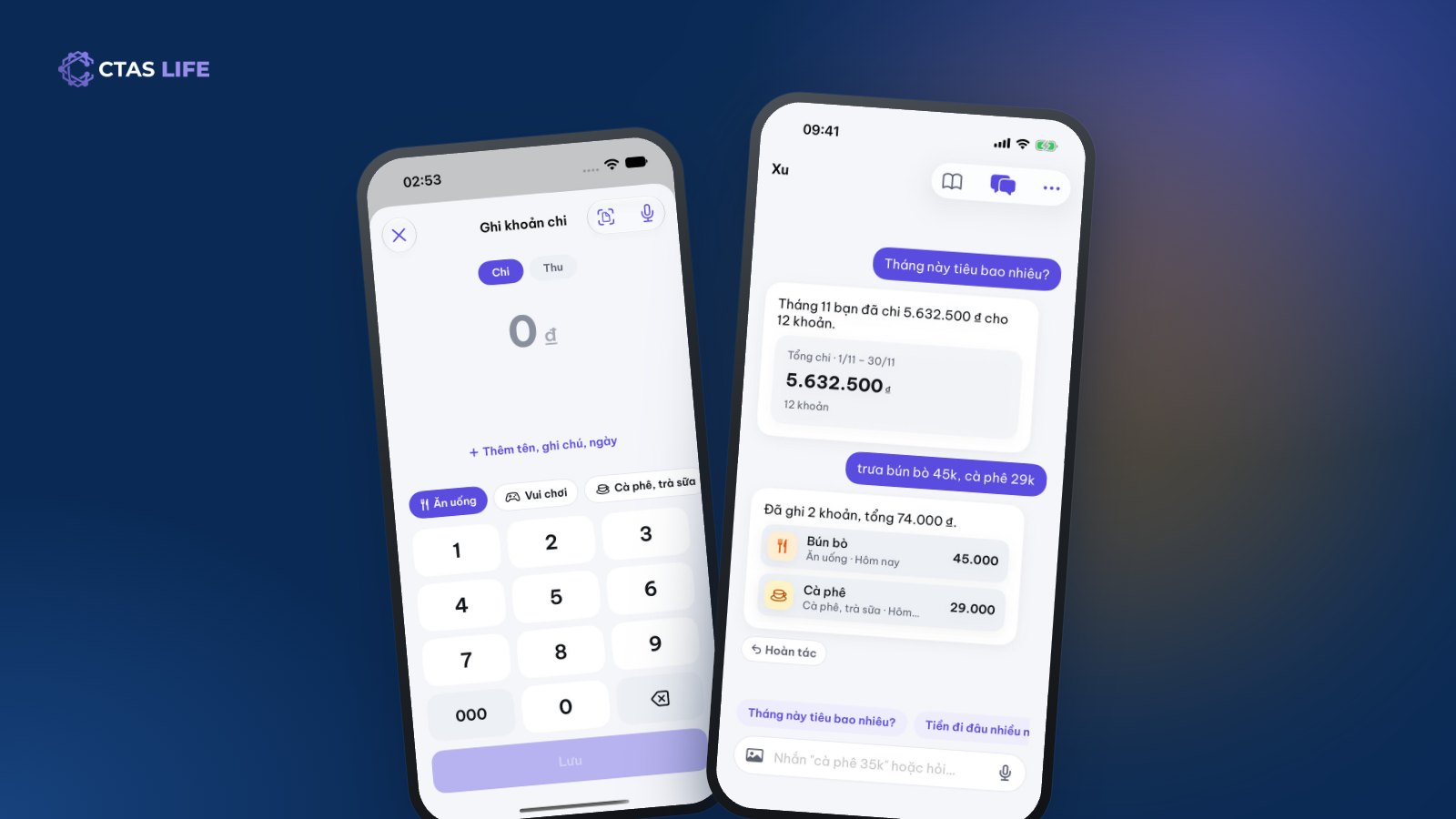
Track daily spending without giving up: send one message, let AI log it
Most people quit tracking spending within a week because it is a chore. How to keep the habit with Spending in CTAS Life: log in a few taps, type "noodles 45k" for Xu to log it, see where the month’s money went.
4 min read
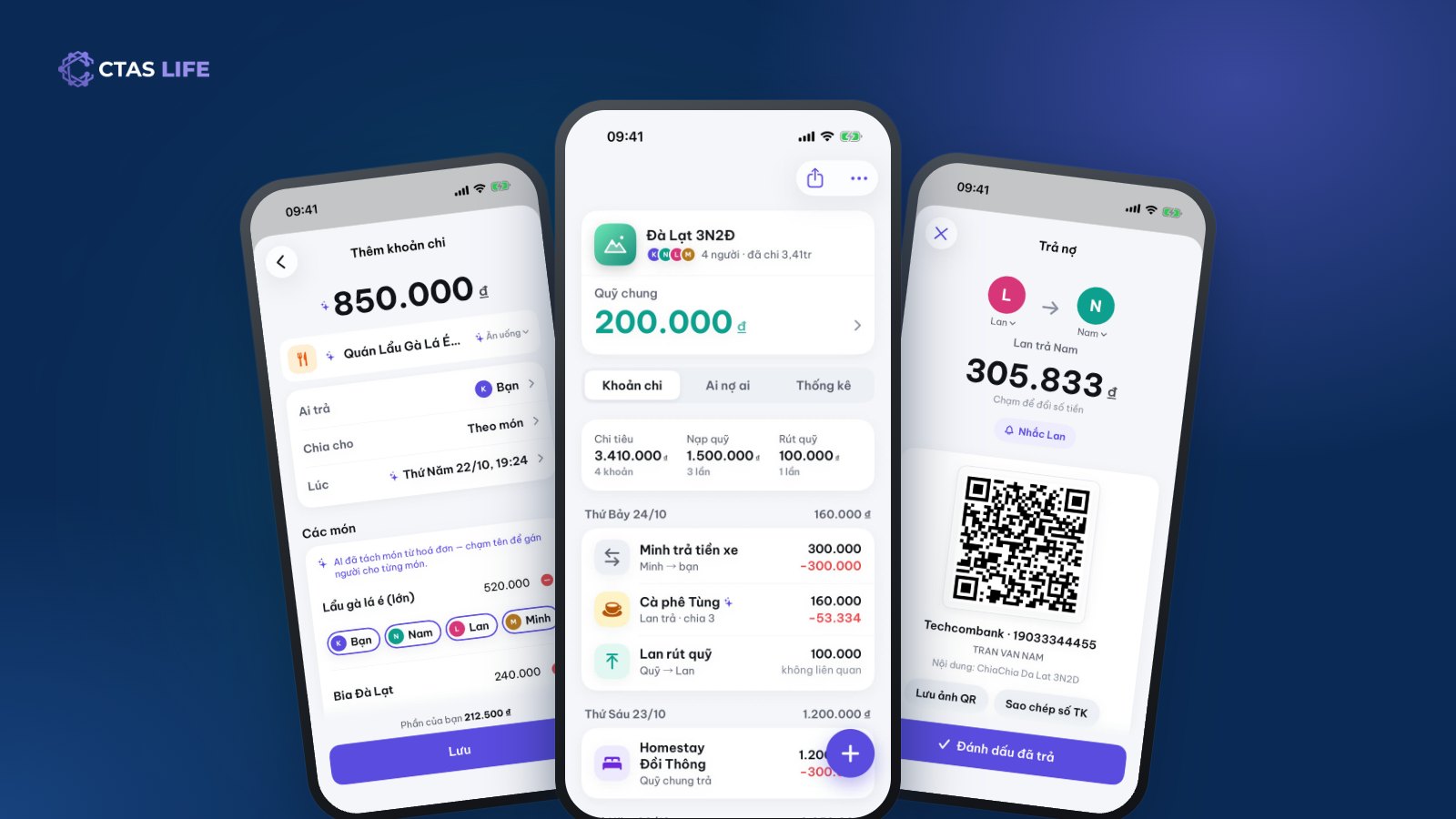
How to split costs on a group trip: fair for everyone, awkward for no one
A shared fund or log-as-you-go? Equal shares or by item? A guide to splitting a group trip from planning to the final transfers, with a three-day Đà Lạt trip as the example.
4 min read