
How GPS and Wi-Fi clock-in works — and why buddy punching gets hard
3 min read
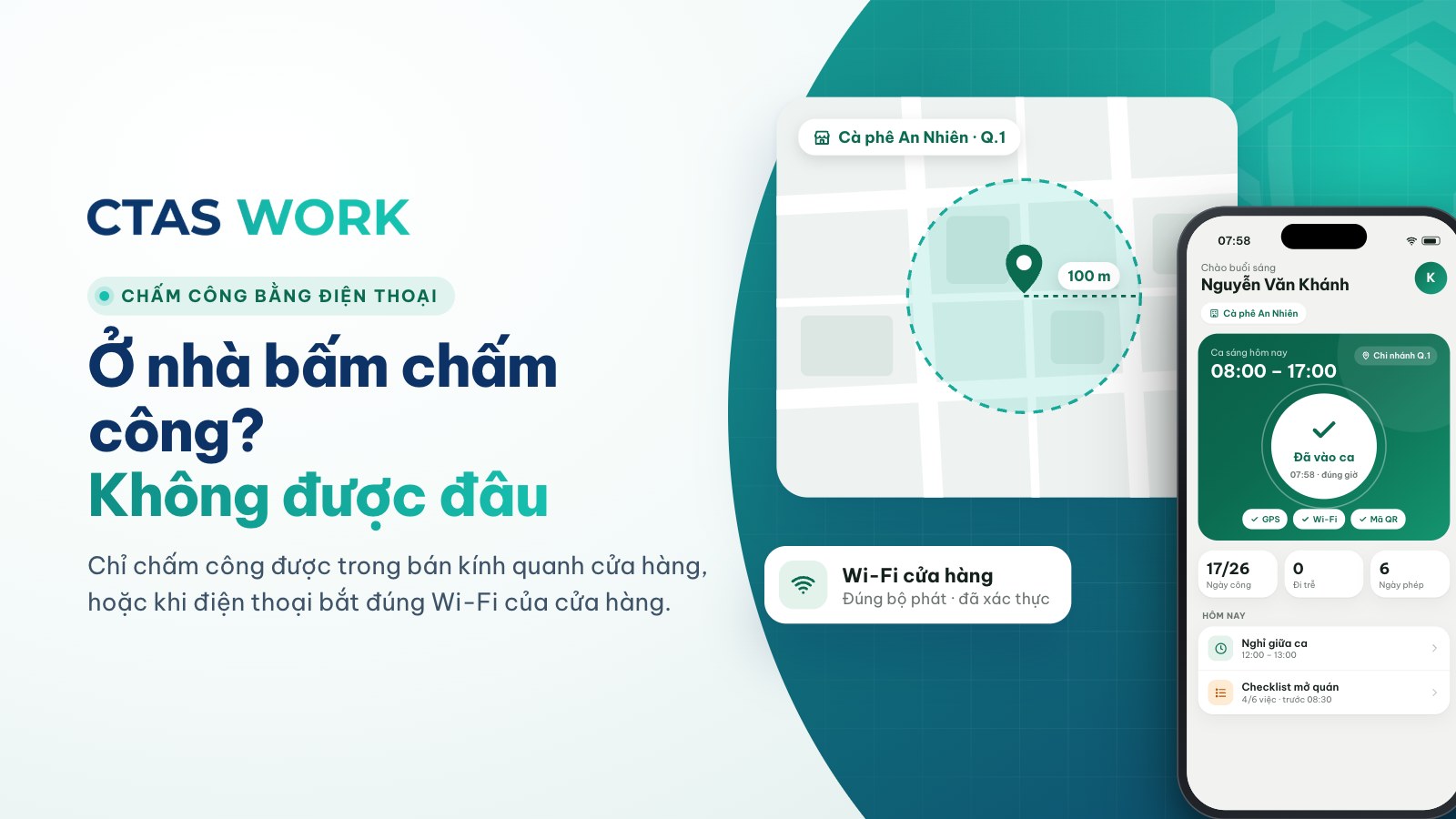
“If they clock in by phone, can’t staff just do it from home?” is the question we hear most. The answer is no — here is why.
GPS clock-in
During setup, the administrator pins the workplace on a map and chooses a radius, say 100 metres around the store. When someone taps clock-in, the app reads the phone’s location at that exact moment and compares it with the pinned area:
- Inside the radius → the clock-in is recorded.
- Outside → the app refuses and says why.
A small radius suits stores close together on the same street.
Wi-Fi clock-in
GPS works well outdoors but can drift by tens of metres inside malls and tall buildings. For those places CTAS Work can verify with the store Wi-Fi: the app checks that the phone is connected to the registered network. Each network is identified by its access point’s hardware identifier, so a network with the same name elsewhere will not pass.
Managers who are not on site can still register the Wi-Fi: they send a remote request and a staff member who is there confirms it with a 6-digit code.
Why buddy punching gets hard
- You have to be at work (or on the right Wi-Fi) to clock in.
- Each account is limited in how many devices can be signed in at once, so you cannot sign in as a colleague on your own phone and tap for them.
- Every clock-in stores its time and device; managers can review them when something looks off.
Does the app track staff location?
No. CTAS Work only reads location at the moment someone clocks in. It runs no background location and stores no movement history. Location is sensitive personal data, so we use it for exactly one purpose: confirming the person is at work. Details are in our Privacy policy.
What about office and travelling staff?
Not everyone needs to clock in. CTAS Work has a schedule-based mode: days are counted from the schedule, with no clock-in at all. For off-site shifts, managers can assign a shift together with a different workplace.
GPS or Wi-Fi?
| Situation | Suggestion |
|---|---|
| Street-front store, café | GPS is enough |
| Inside a mall or tall building | Wi-Fi |
| Several stores close together | Small-radius GPS or Wi-Fi |
| Office or travelling staff | Schedule-based mode |
Want to see it live? Try CTAS Work for 7 days and clock in at your own store.
Related articles
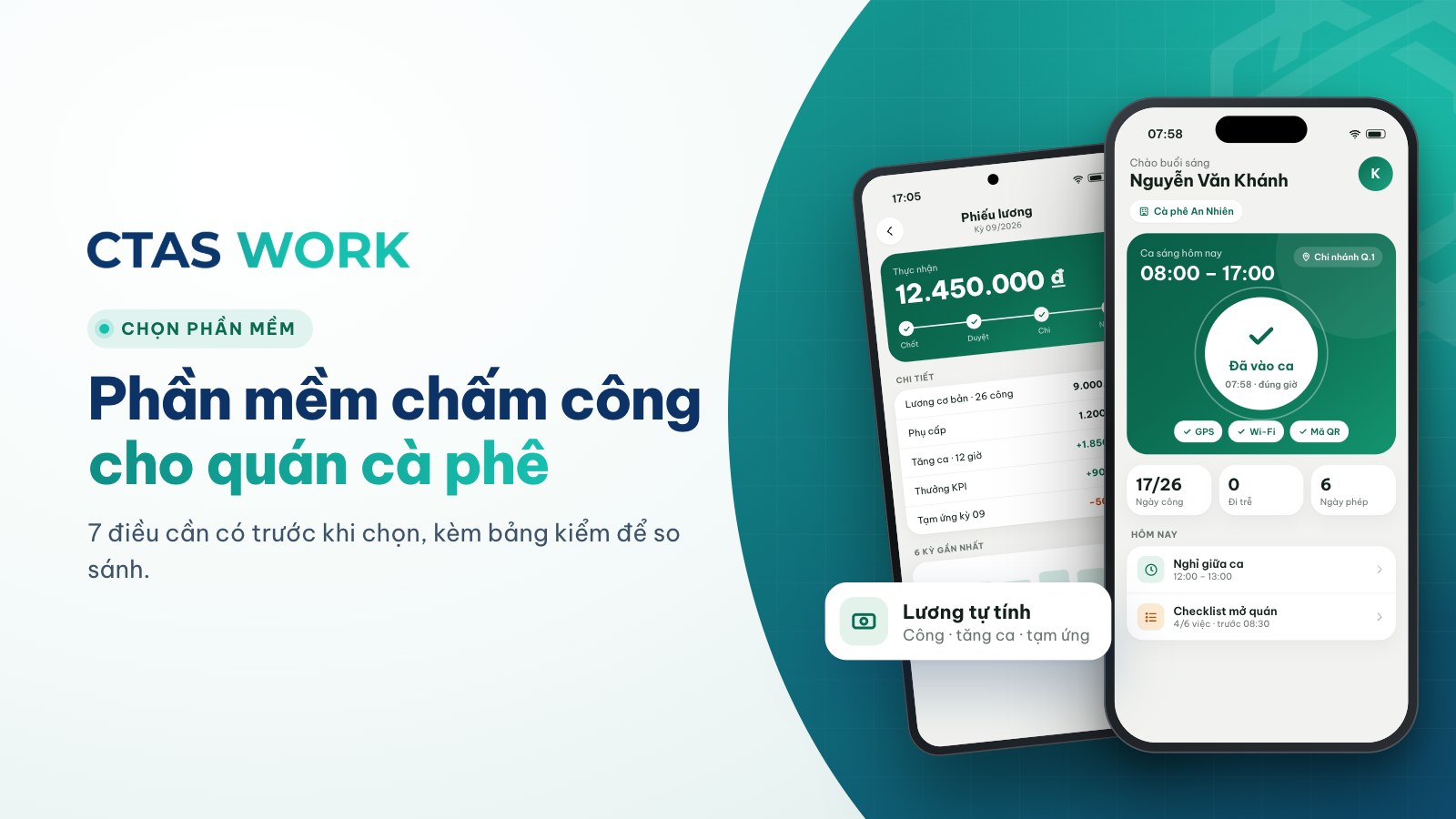
Attendance software for cafés: 7 things it must do
Phone clock-in, flexible scheduling, hourly pay with overtime, in-app requests, remote multi-branch view — a checklist before you choose.
3 min read
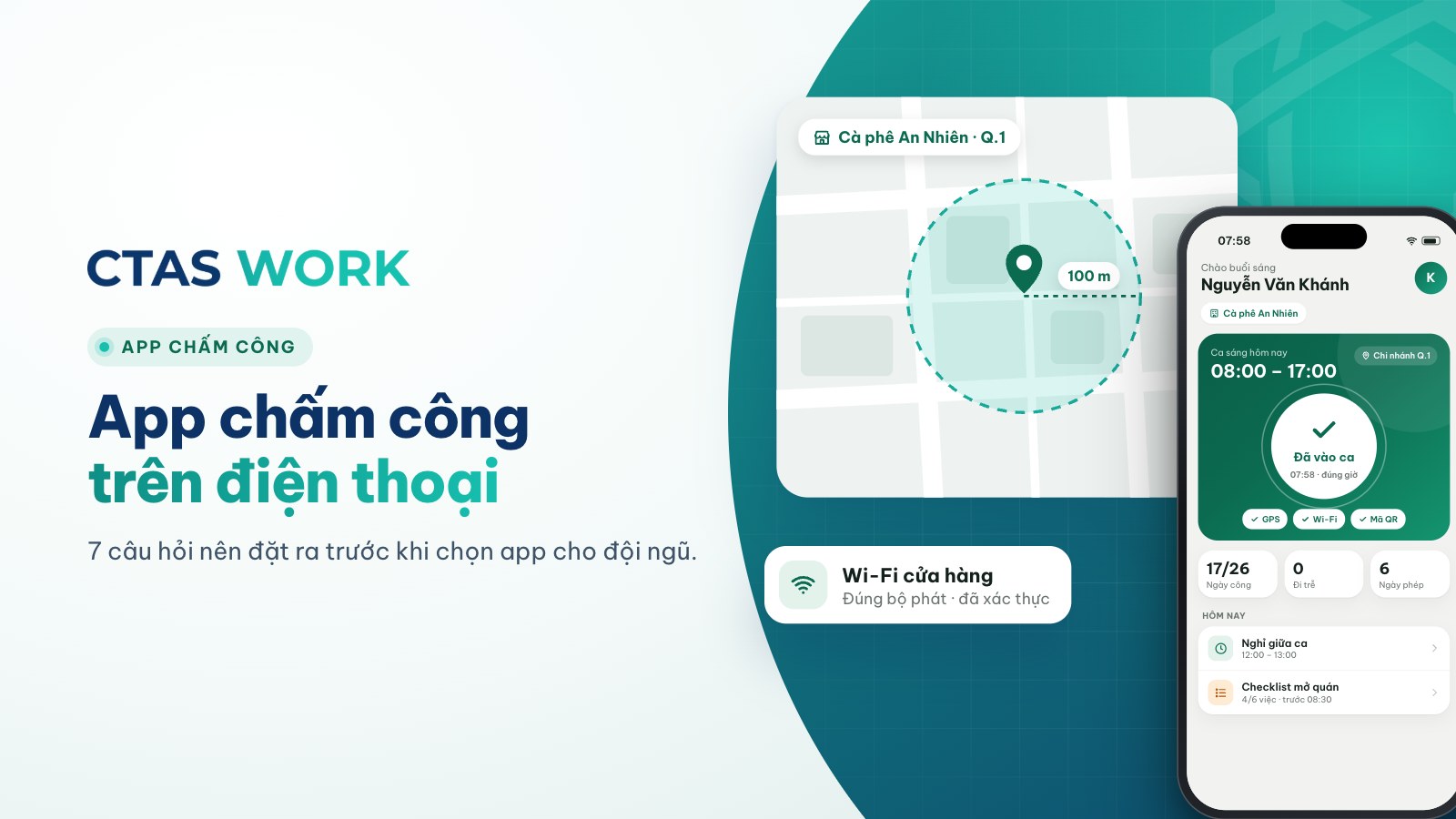
Phone attendance apps: 7 questions to ask before choosing
GPS and Wi-Fi anti-buddy-punching, background tracking, payroll link, missed clock-ins — seven questions before you pick an app.
3 min read
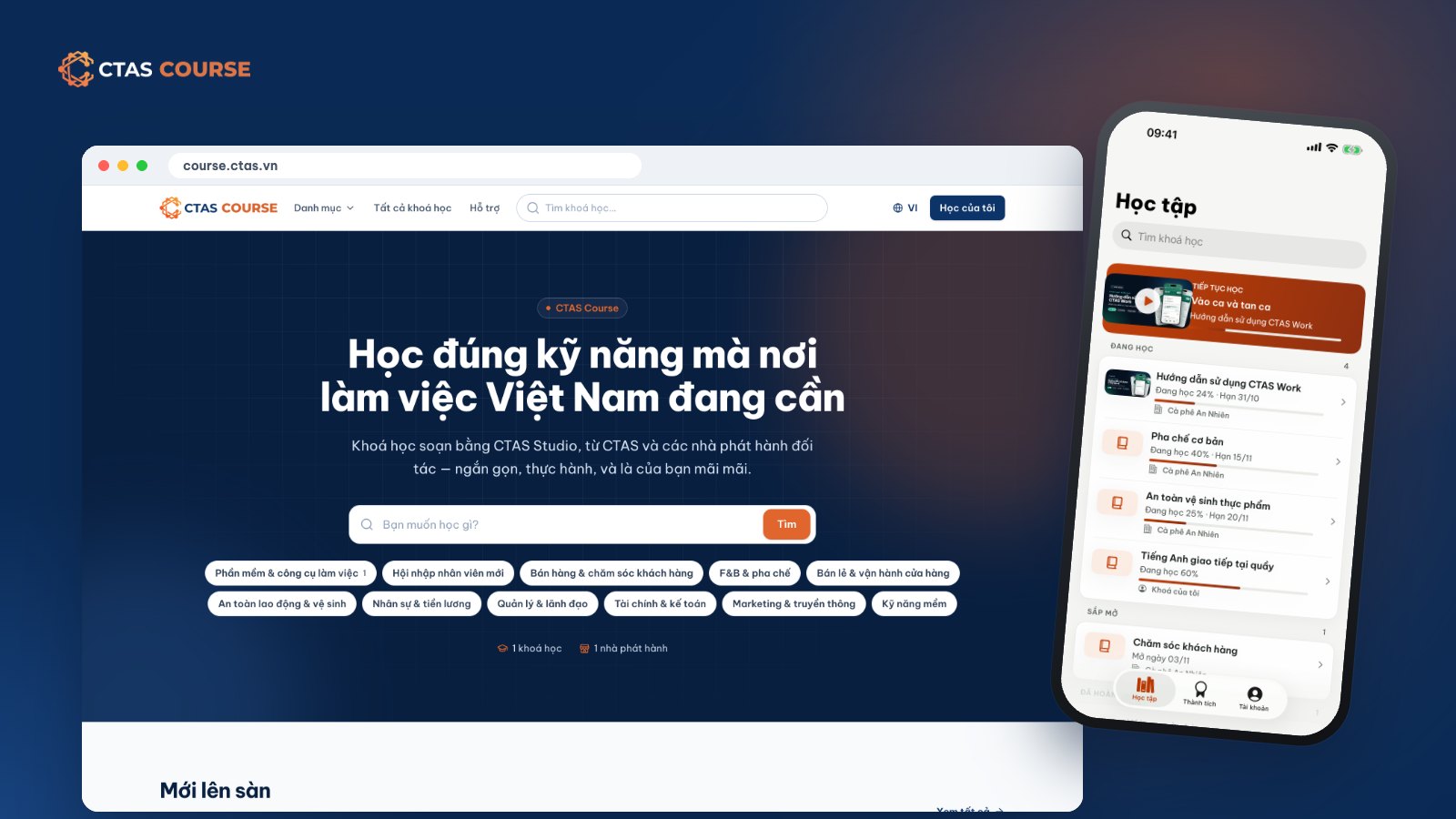
What is CTAS Course? An online course marketplace for working people and businesses
CTAS Course is an online course marketplace for working people, where businesses train staff and trainers open stores to sell courses. How it works and how to learn.
6 min read